The Digital Twin Workflow
A guide to podcast-style AI talking-head videos, without ever filming yourself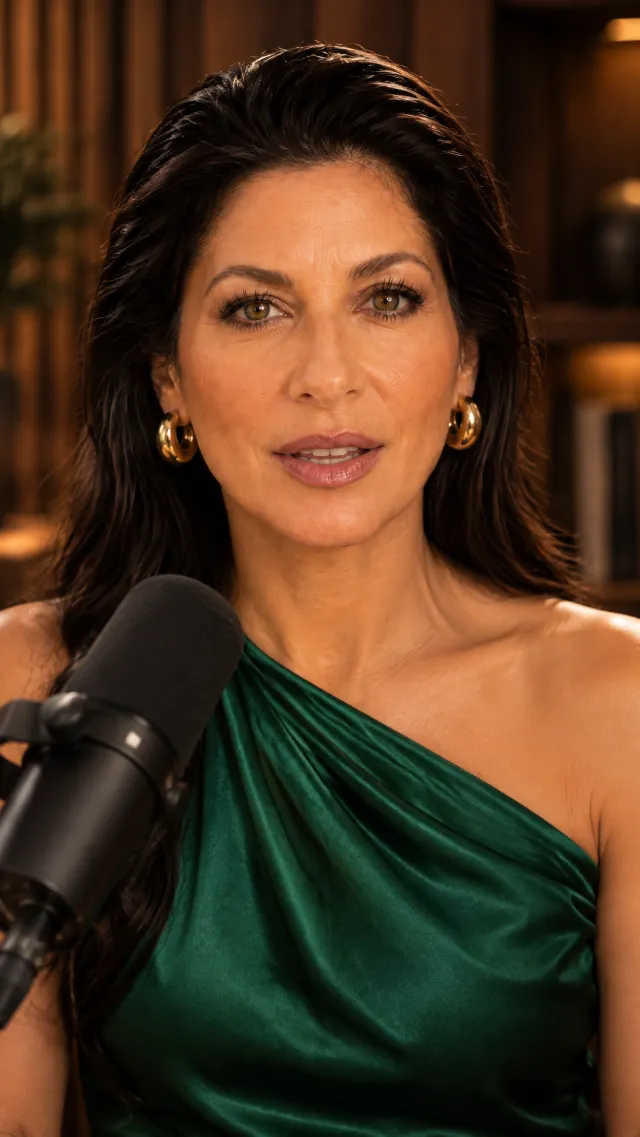
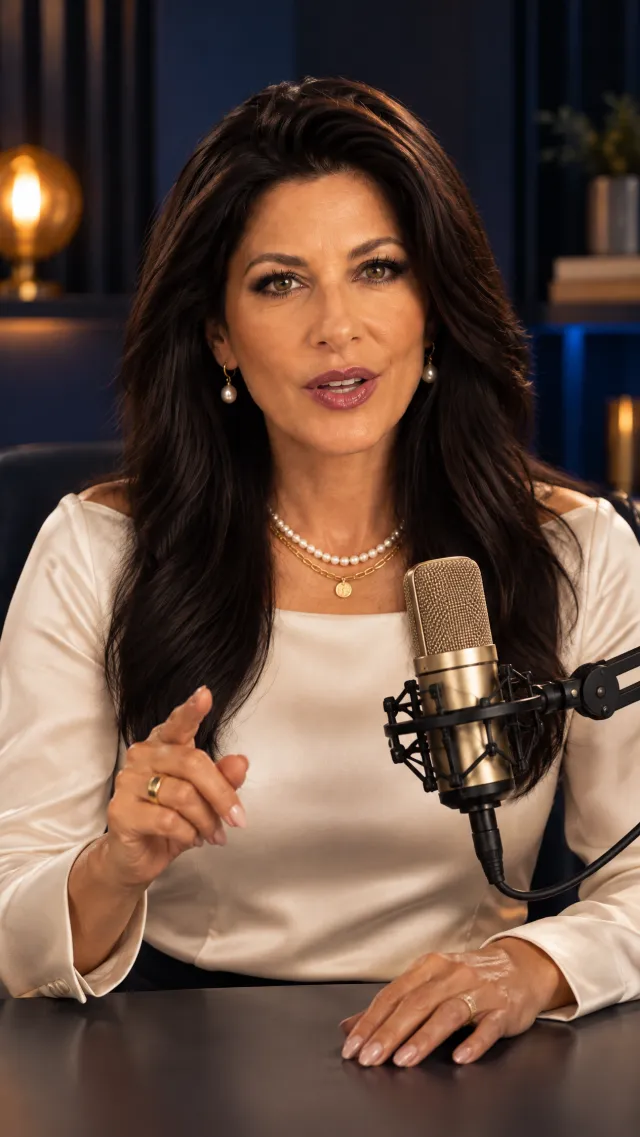
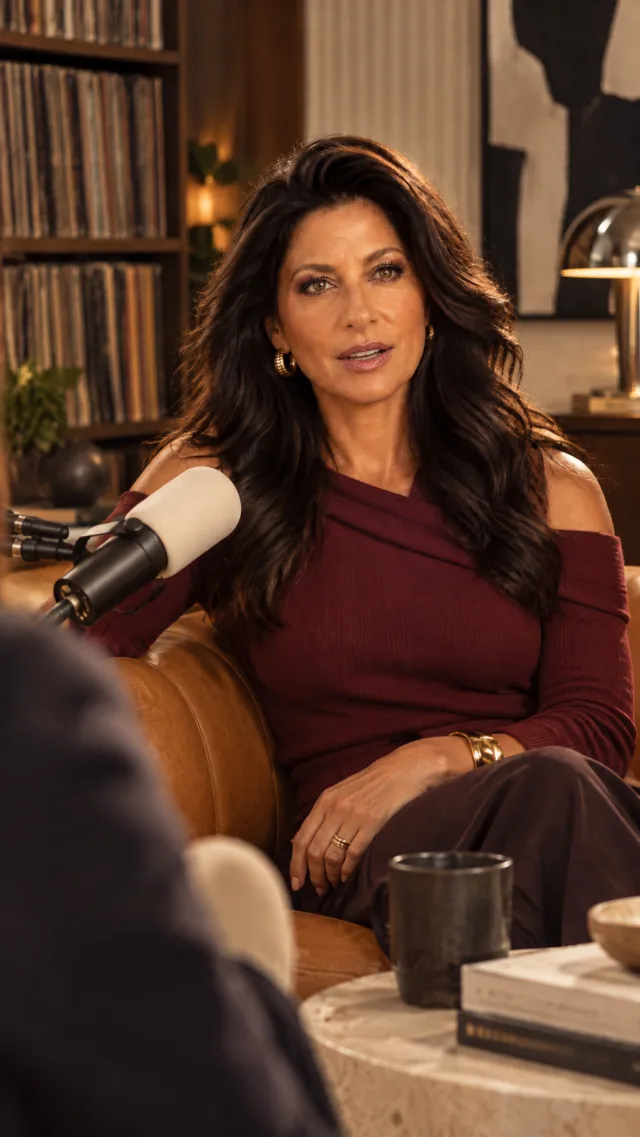
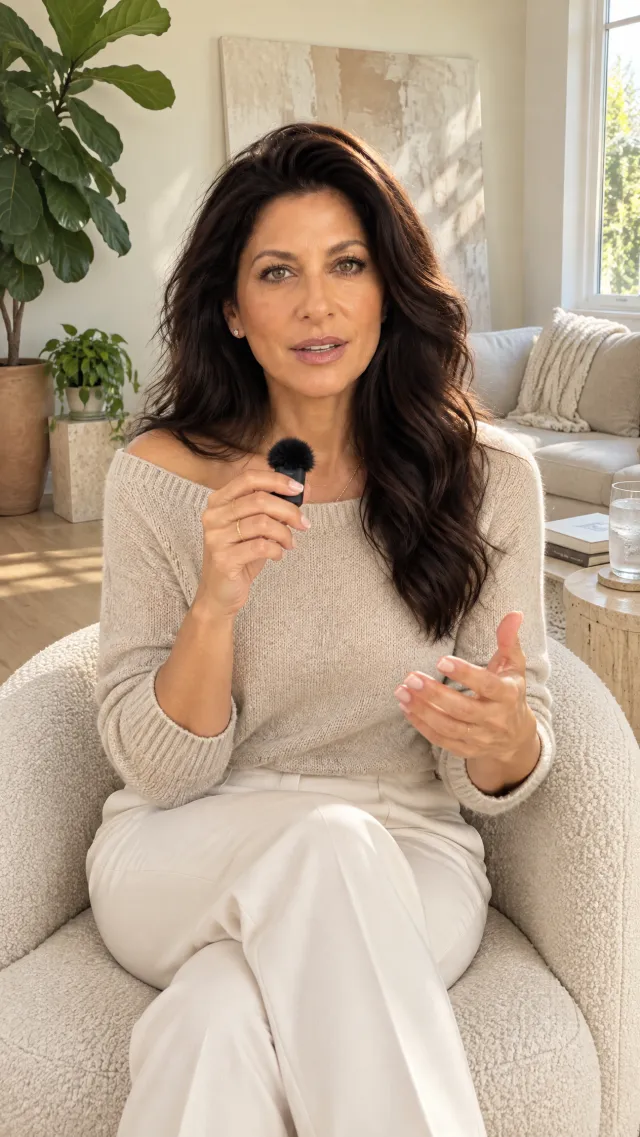
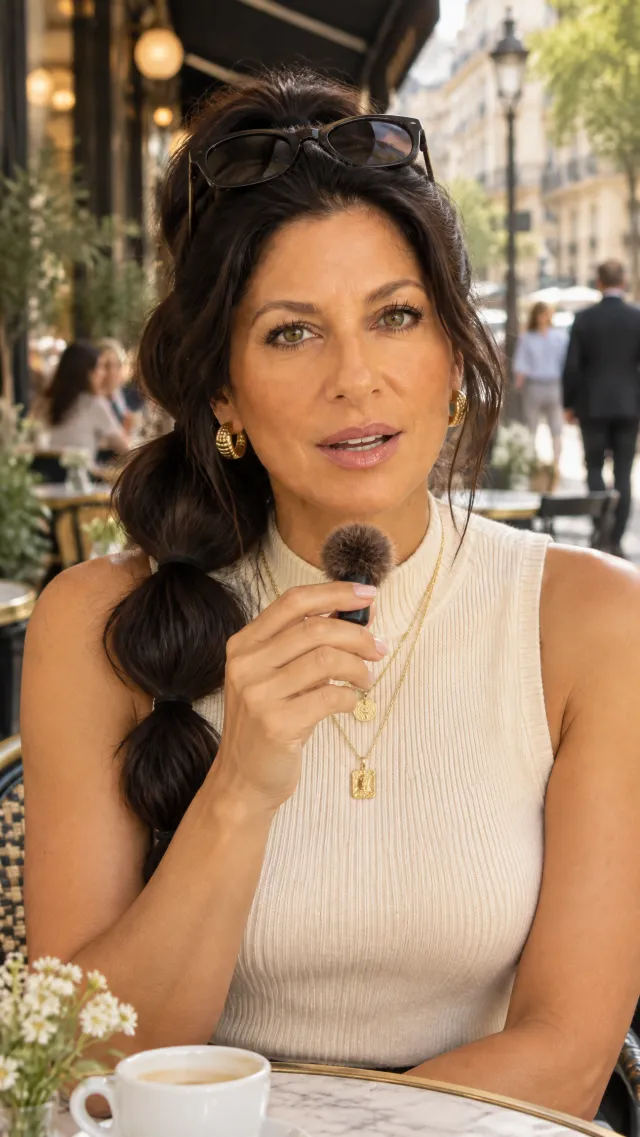
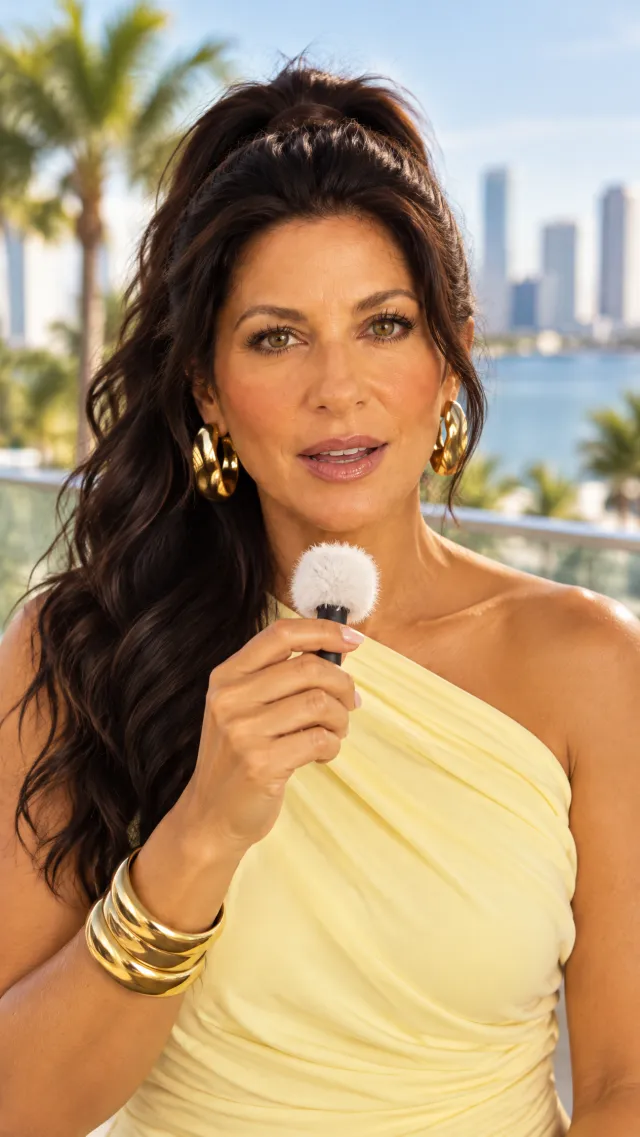
You have seen the podcast-style talking heads everywhere. The clean delivery. The studio presence. A new look in every video.
This is how I build mine, step by step.
AI talking heads are already a big business. It is still early for creators.
Businesses are adopting AI presenters fast: 85% of the Fortune 100 already use HeyGen. Most creators in your niche have not started. The ones who learn the workflow now get to be the familiar face before the feed fills up.
HeyGen's annual recurring revenue in June 2026. It doubled from $100M in eight months.
Videos made on HeyGen by more than 30 million users in 196 countries.
Yearly growth forecast for the AI avatar market, from $0.8B in 2025 to $5.9B by 2032.
Visible daily, not on filming days
Your twin posts on the days you are in meetings, travelling or simply not camera-ready.
Everywhere at once
One script becomes a Reel, a Short, a TikTok and a LinkedIn video without four setups.
A studio you never book
New look, new studio, same trusted face. People follow a face they see often.
Sources: HeyGen, June 2026 · MarketsandMarkets AI Avatar Market report
What it costs you
- Another month of posts you did not make
- A filming day, hair, make-up and editing for every batch
- Someone else becomes the face your audience sees first
What $37 gets you
- Your character sheet and first podcast frames in one evening
- Your first talking-head video by the weekend
- A workflow you repeat every week in minutes
Six phases, in the order they work
Your step-by-step blueprint for turning four photographs and a short script into a finished, captioned podcast-style video of your Digital Twin or avatar. Two phases you do once. The other four take minutes after your first video.
- 01
Build your reference set
Character sheet, face sheet, body sheet · OpenArt or Higgsfield - 02
Put your twin in the podcast studio
Head-on podcast frames in a library of looks - 03
Create your voice
Design a voice or clone your own · ElevenLabs - 04
Turn scripts into voiceover
Scripts written to be said, then text to speech - 05
Make it talk
Photo to Video with your own audio · HeyGen - 06
Caption, label and post
Captions in HeyGen and an honest AI label
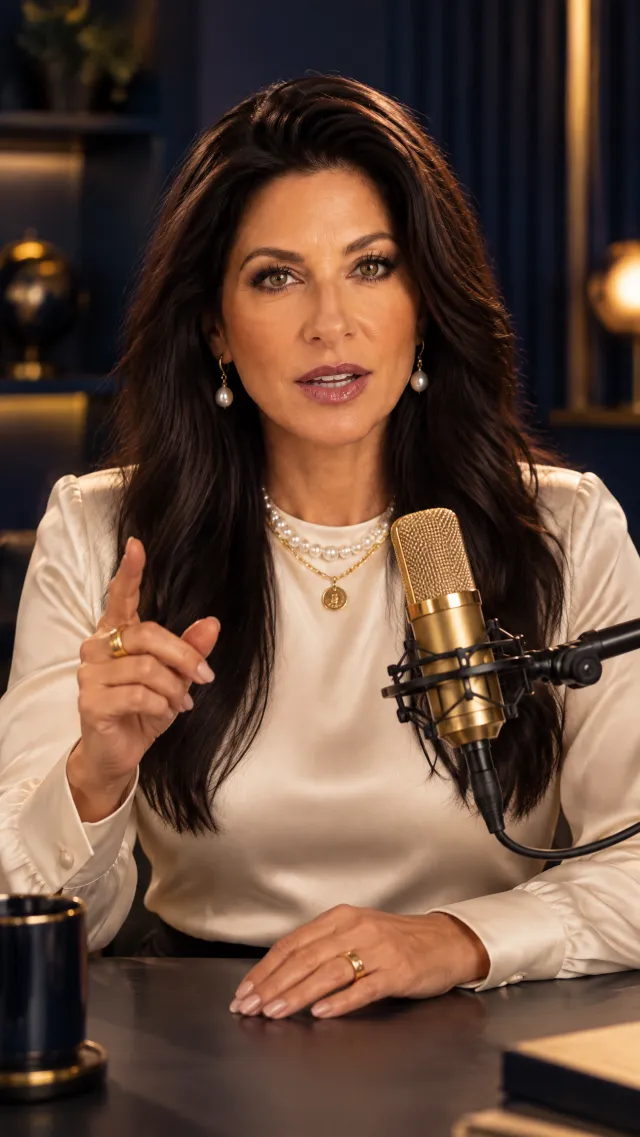
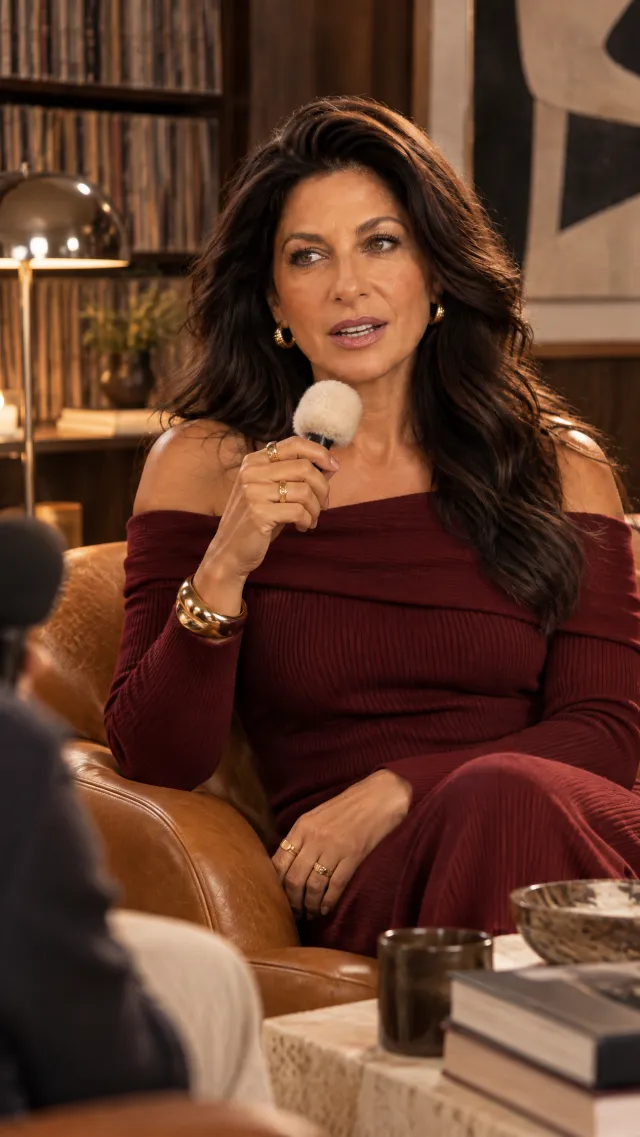
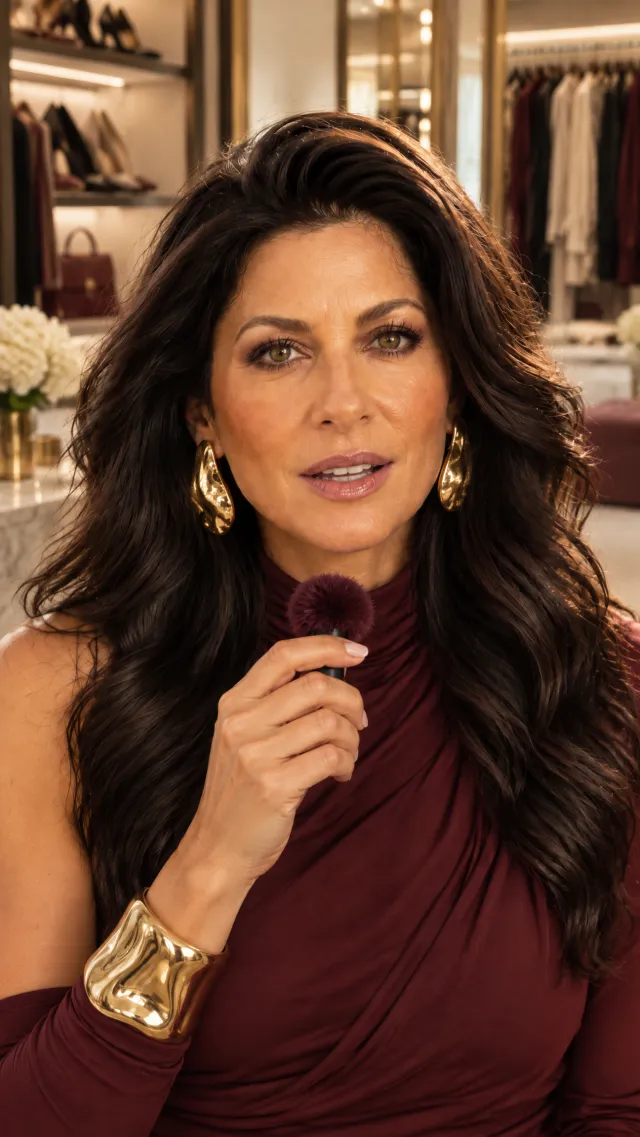
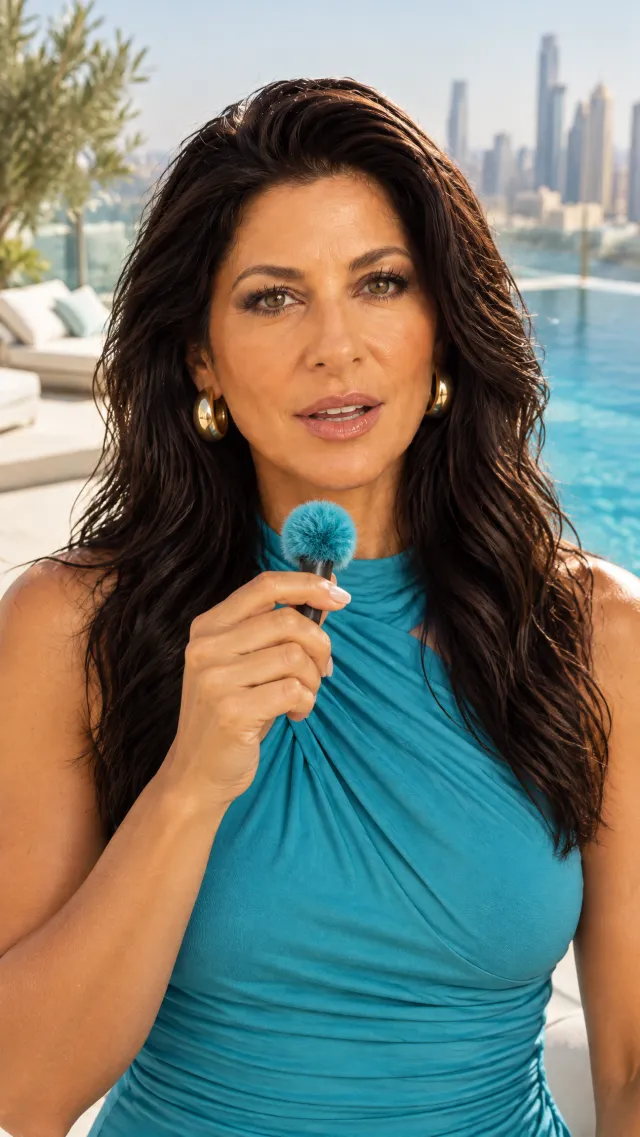
Every step and every prompt, written out
- The guide57 pages, designed to read on your phone, one heading and its material per page
- Reference setThe full character sheet, face sheet and body sheet prompts, plus the avatar route from a Pinterest inspiration image or a written description
- Podcast studioSix rules for a frame that lip-syncs well, four studio vibes, and three levels of prompts to get past the basic blazer look
- Voice and scriptThe voice design prompt, the recording session for a clone, and the script prompt that sounds like you
- HeyGenPhoto to Video settings, the three-watch check and motion prompts for when the movement is wrong
- Bonus15 podcast looks, each shown with the exact prompt that made it, a troubleshooting table and a first-week checklist
Fifteen looks. Fifteen full prompts.
Studio, at home and on location. Each look has its own page with the image and the complete prompt behind it. Attach your character sheet, paste and generate.
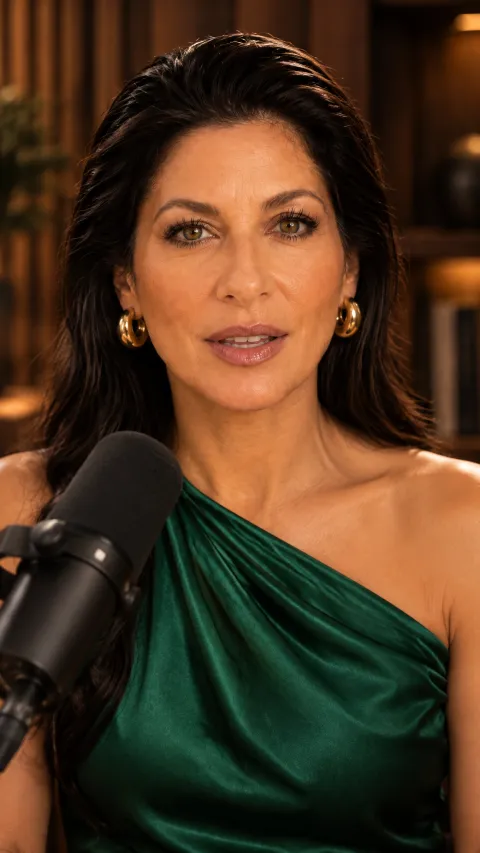
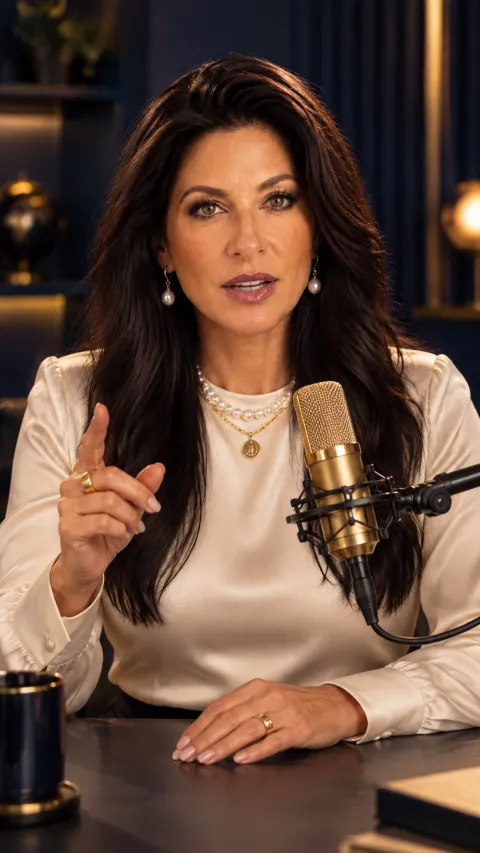
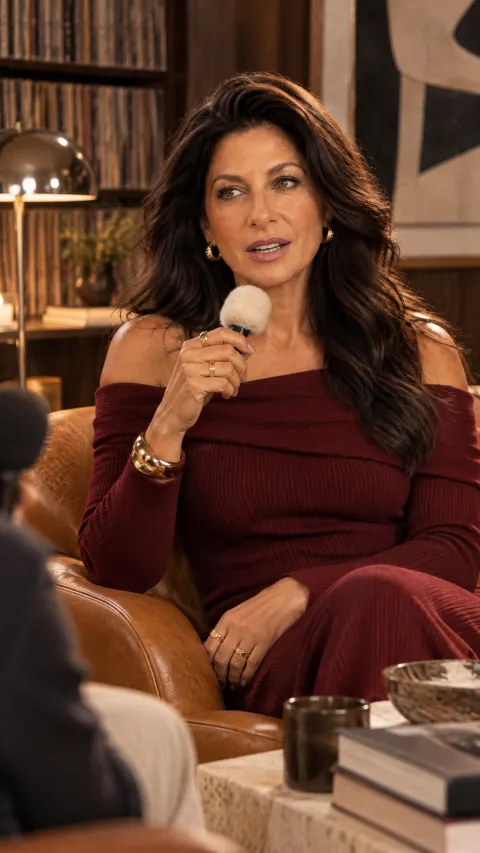
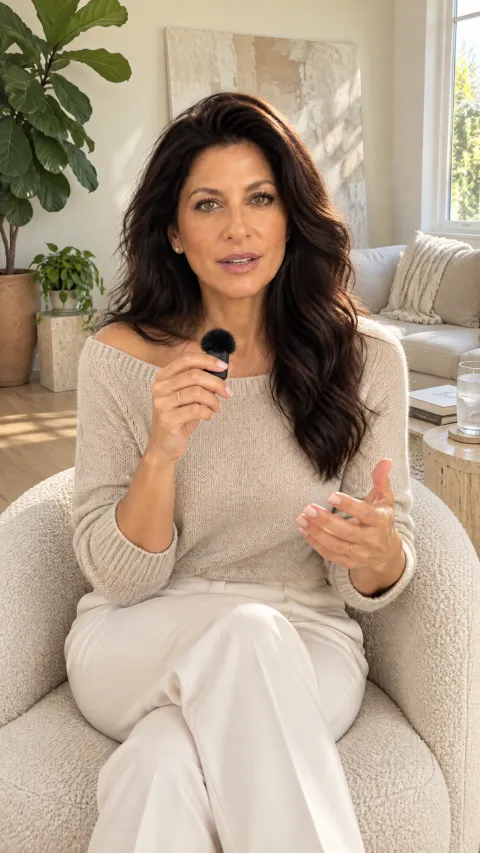

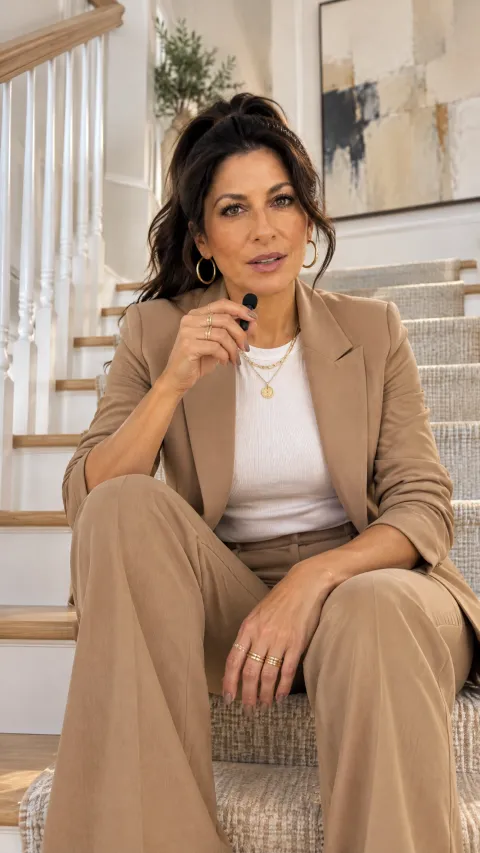
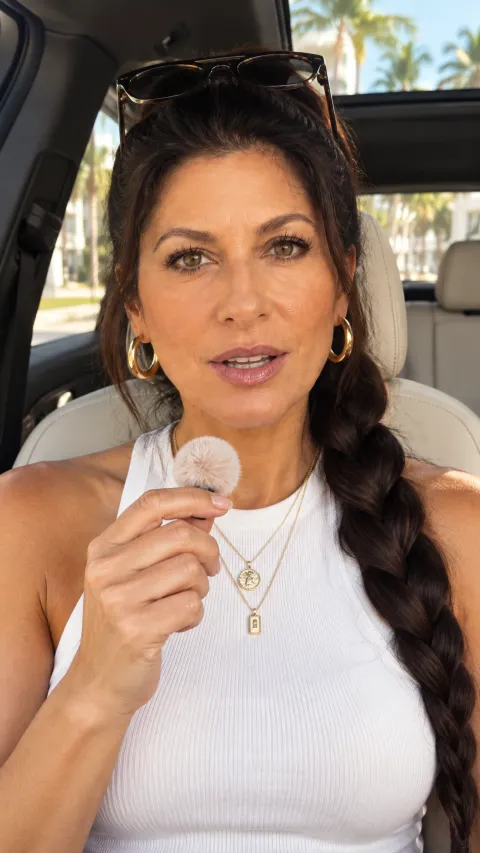

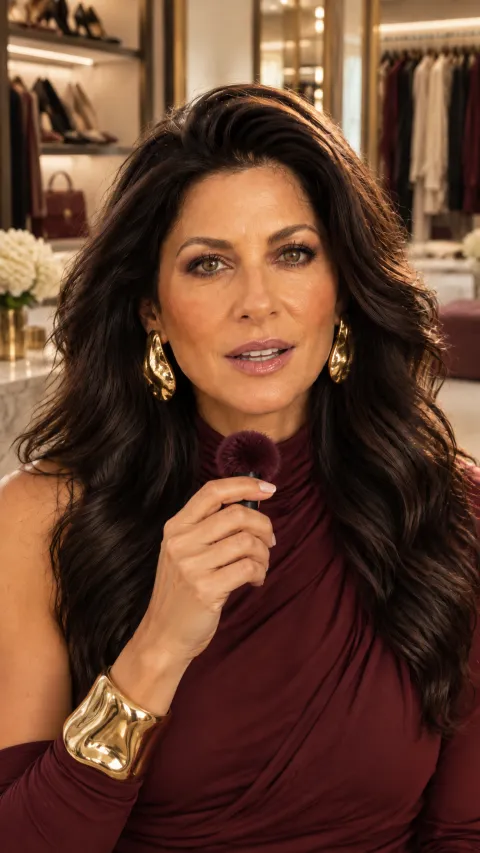
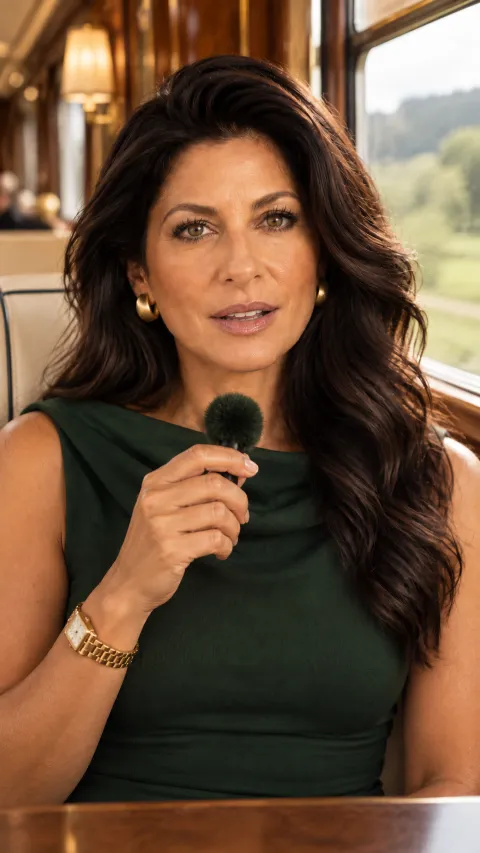
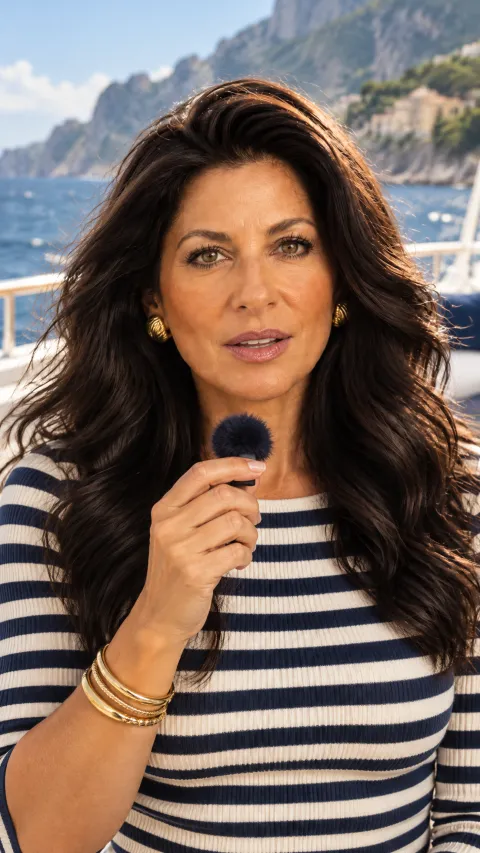
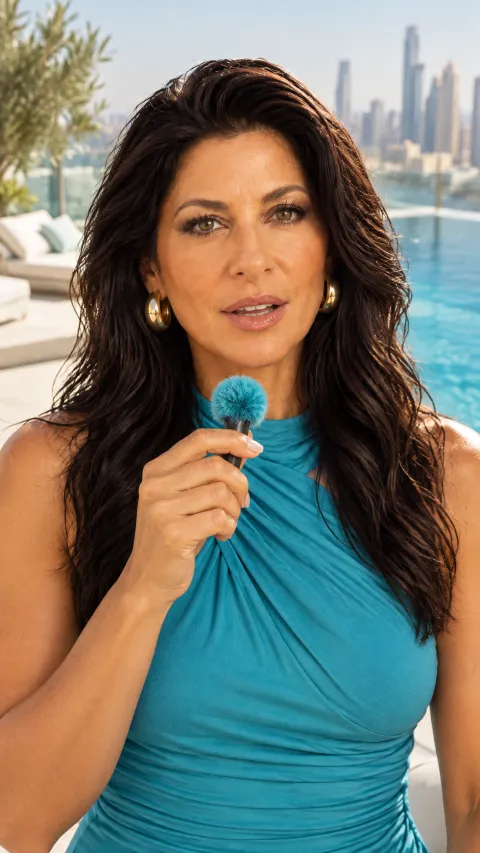
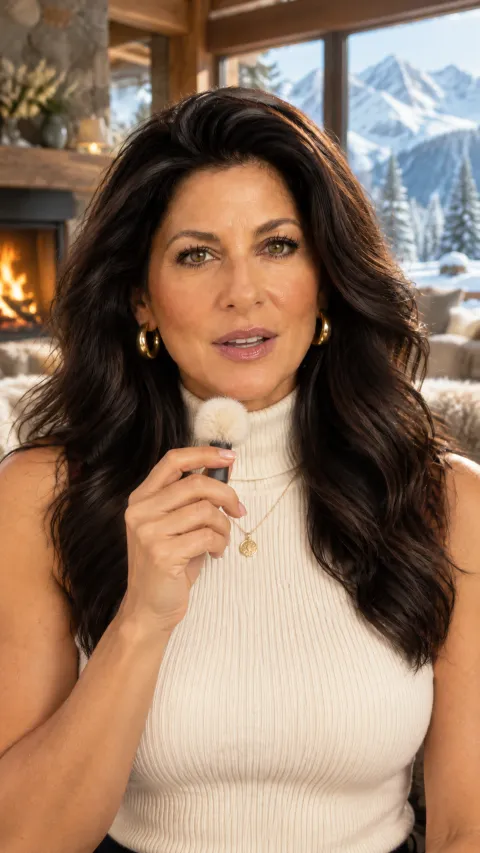
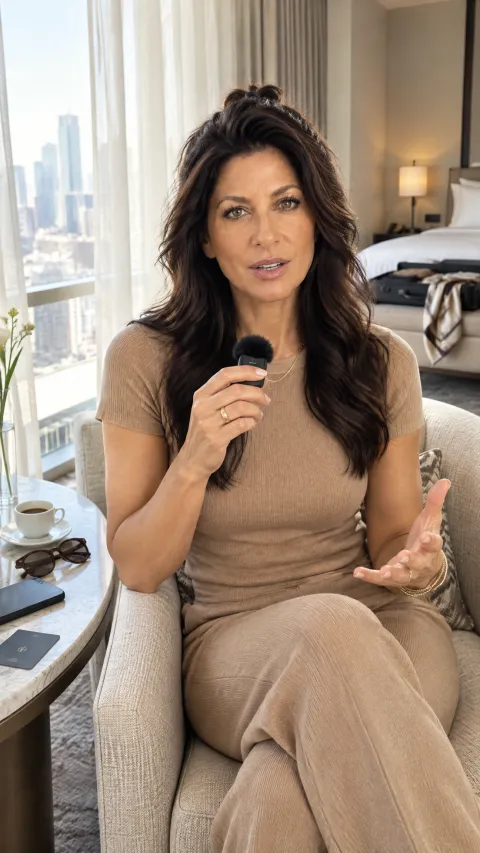
Use the reference image only for her identity: face, skin tone, hair and body. Do not copy the outfit, background, pose or lighting from it. Match her hair colour exactly to the reference, the same deep dark tone, never lightened, never warmed, never reddened.
Ultra-realistic cinematic extreme close-up talking-head portrait of the woman in the reference image at a professional black condenser microphone on a boom arm in a warm wood-panelled podcast studio. Very tight framing: her face fills most of the frame from the shoulders up, minimal headroom, the microphone entering from the lower left in the foreground slightly out of focus, never covering her mouth.
Her head is squared straight to the camera, chin level and lifted, gaze raised directly into the lens with both eyes wide open and fully visible, looking straight at the viewer, not off to the side and never a profile. She is caught mid-sentence speaking to camera, lips slightly parted with a small relaxed opening, never wide.
The full prompt continues with wardrobe, hair, make-up, light, camera and the avoid line.
This is not a tutorial to watch once. It is a production workflow you run every week, and the base for a content system that keeps you visible without a camera.
This is for you if
- You want a consistent presence online without filming yourself
- You are curious about AI podcast videos but overwhelmed by the tools
- You want your content to look polished, not experimental
- You want content that gives you leverage instead of burnout
Every face in this guide is my Digital Twin. I built it with exactly the workflow you are buying.
I am Fadia Joheir. After nearly thirty years in corporate roles, being visible was always the job, and now my twin does the showing up on camera for me. This guide is the process I use: what worked, what failed first, and the prompts behind every image.
Made with my Digital Twin. I label it every time, and the guide shows you how to do the same.
Your first twin video, by this weekend
Instant access to the 57-page guide, every prompt and the 15-look podcast library. Open it tonight, build your character sheet, and post your first video this week while it is still early.
Get instant access $37Before you buy. This is education and a workflow, not a guarantee. Results depend on how you apply it. Some AI tools in the guide need their own subscriptions or credits. Because this is a digital product with instant access, there are no refunds, returns or money-back guarantee. Questions: [email protected]